
Our WhatsApp integration is done through Twilio. Please set up an account and phone number with Twilio first before using Comm100’s WhatsApp integration. It is a paid add-on to Comm100 and is available through our Comm100 Multi-Channel Plan. Please chat with us online or speak to your account manager for more details.
Twilio charges based one the messages sent/received. Contact them for the pricing details.
How to set up your SMS Integration
- Log into your Comm100 Control Panel.
- Go to Ticketing & Messaging (top menu) then Click WhatsApp under Channel.
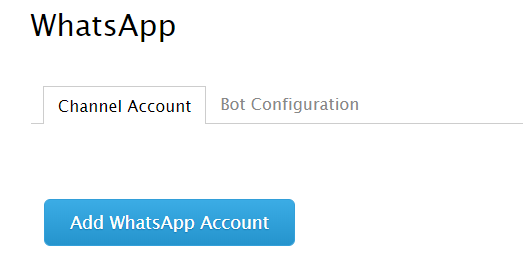
- Click Add WhatsApp Account.
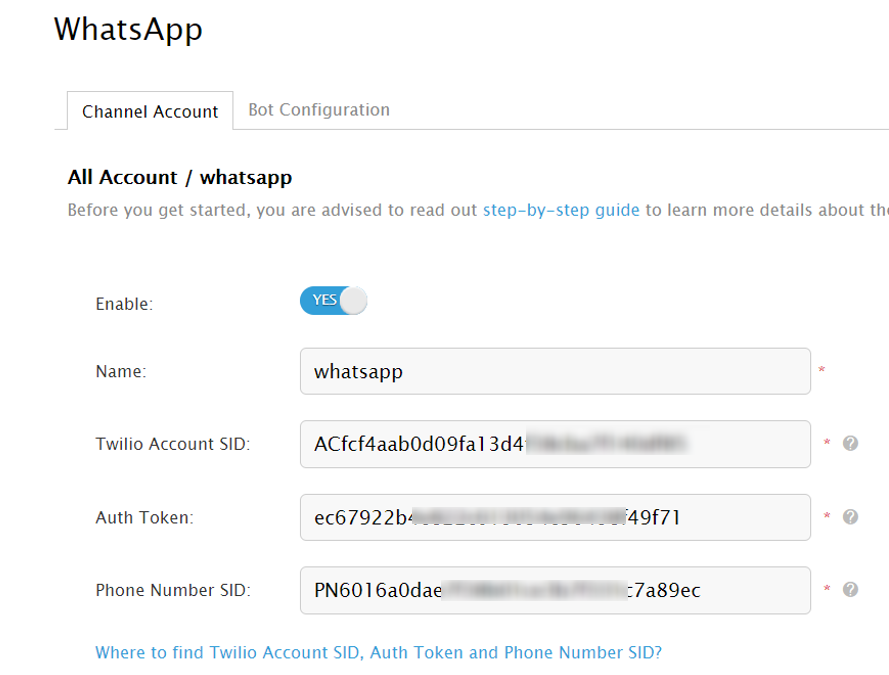
- Enter the Name, Twilio Account SID, Auth Token and Phone Number SID.
- Click Ok to save your changes.
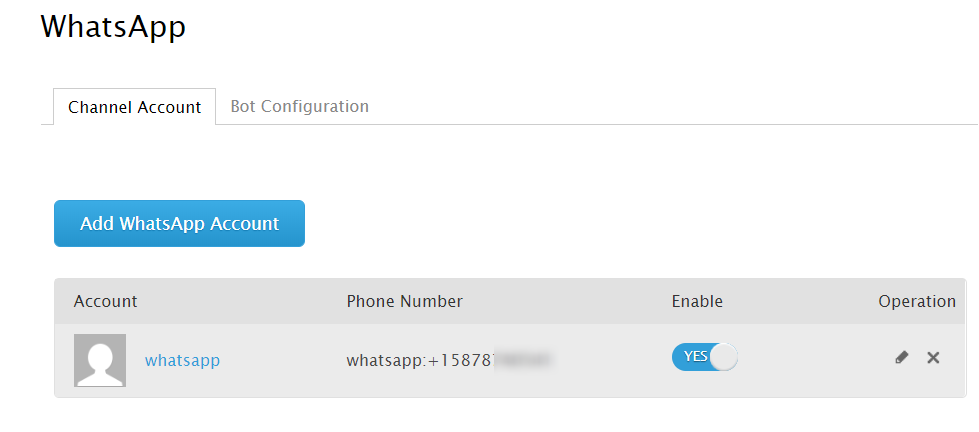
The WhatsApp account has been added. You can add more if you have more than one WhatsApp account you want to be managed using Comm100.

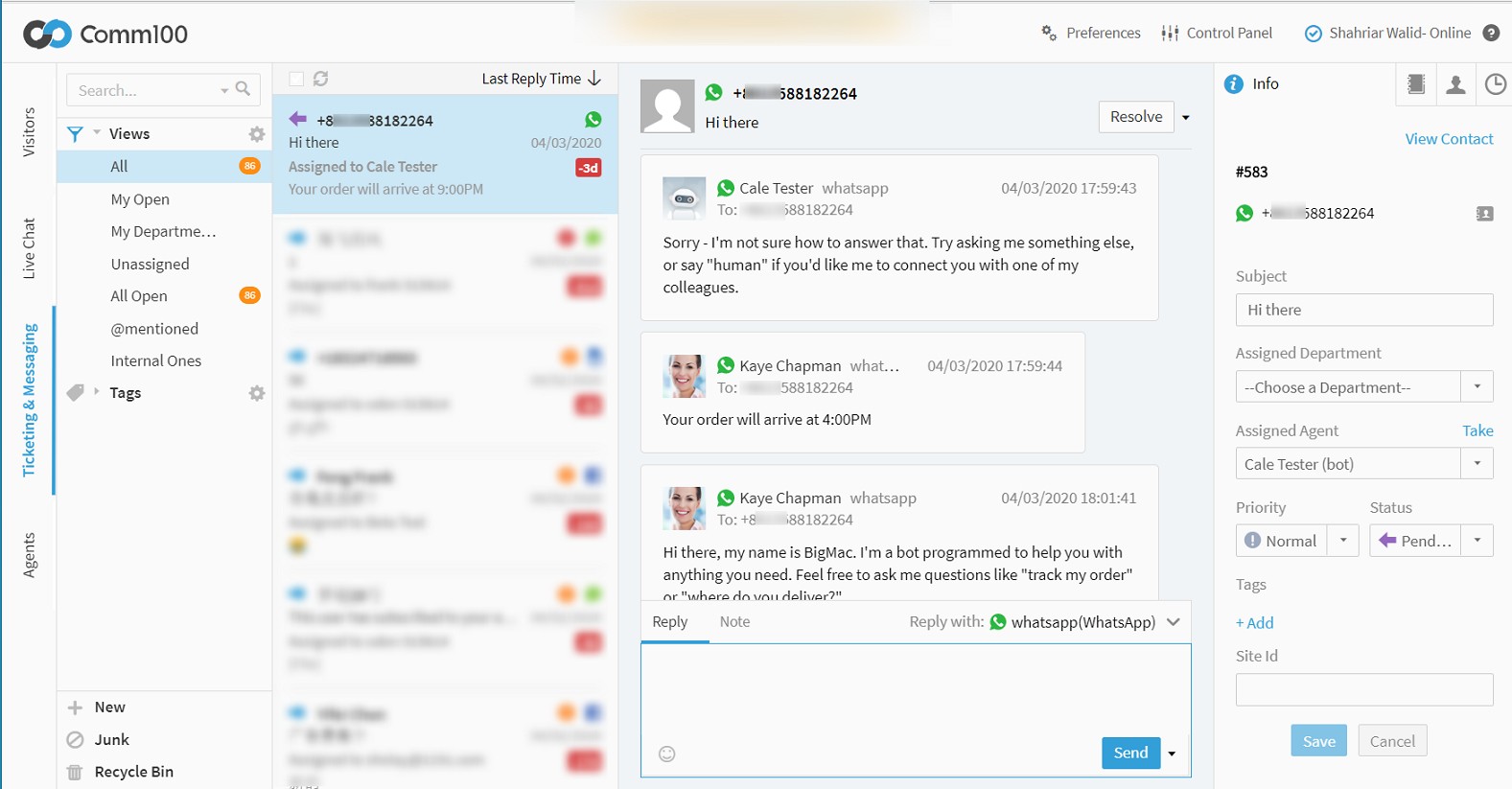
The integration is now complete. Your agents will now be able to respond to incoming WhatsApp messages From the Ticketing & Messaging tab of the Agent Console App.
You can create a filter just for WhatsApp messages with the following condition.
