Enrolling in Banno Online
- Select Login
- Under Retail Login / Consumer & Small Business
- Select Enroll in Online Banking.
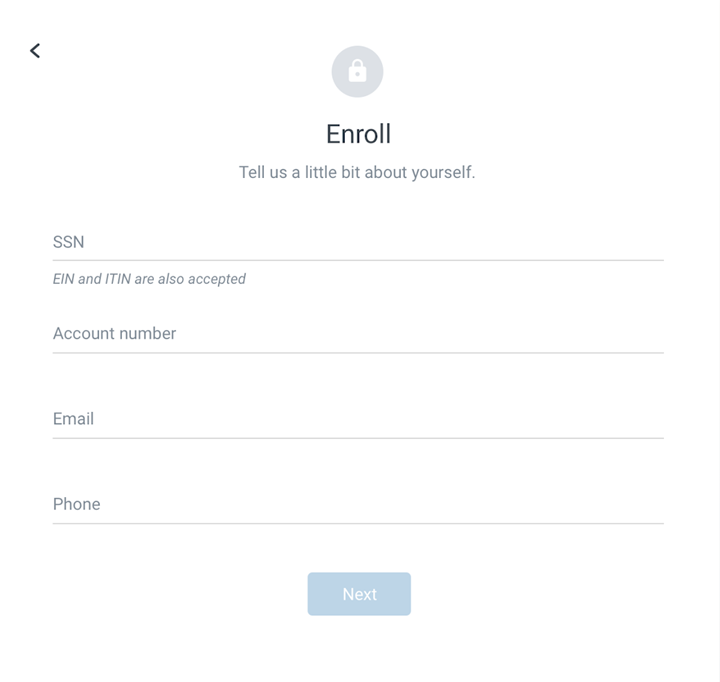
- Enter the information requested on the Enroll screen, and then select Next.
- Enter the verification code sent via SMS, and then select Verify.
- Read the user agreement, and then select Agree.
- Create a username and password by entering information in the Username and Password fields, and then select Next.
You can see username and password rules by selecting Show rules for either.
The Dashboard screen for online banking appears.