SUMMARY
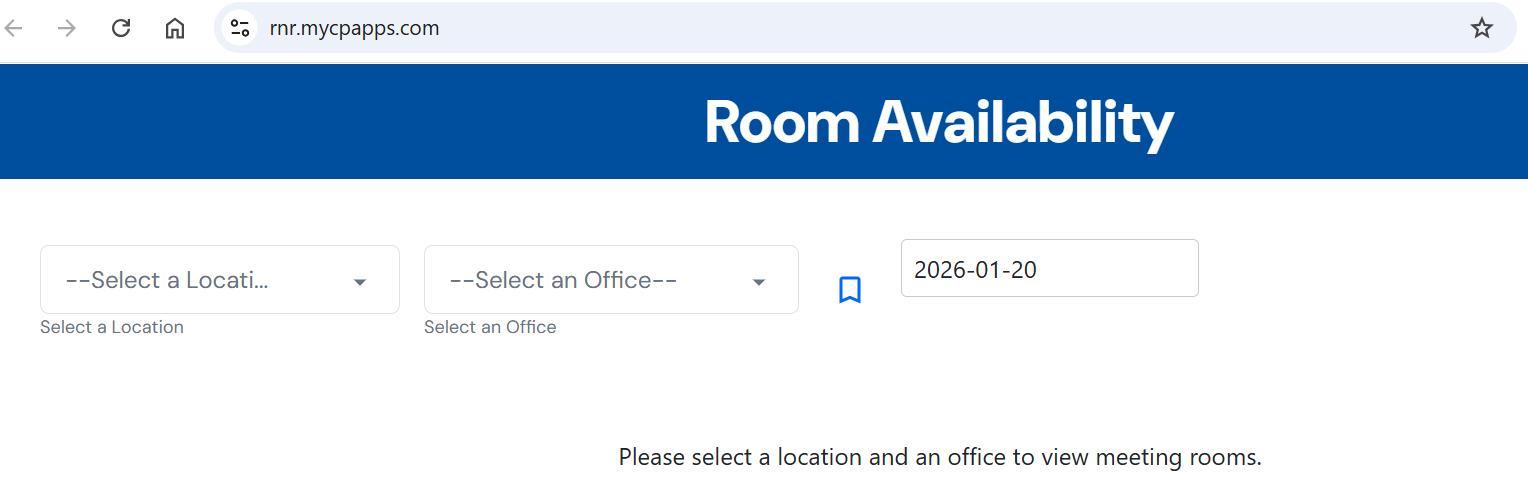
The Meeting Room Availability tool has been now redesigned. The new application can be accessed via the link below:
Link: https://rnr.mycpapps.com
DETAILS
Steps to access the New Meeting Room Availability tool from Colab portal.
1. Go to the 'Tools' tab.

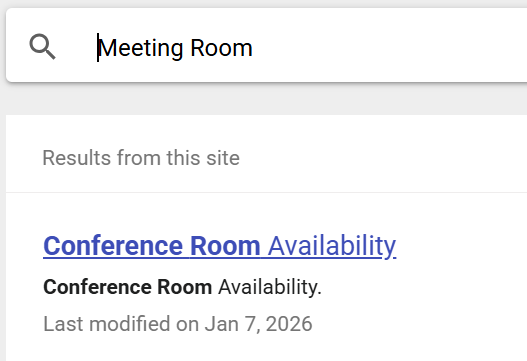
2. Type "Meeting Room".

3. Click on the 'Conference Room Availability' link.
4. You can then select your location and check for the room availability.