
SUMMARY
Google Drive allows you to access and sync your Google Drive files and folders from the share drive (cloud) to your computer via File explorer.
DETAILS
1) In Desktop Start Menu
2) Search field type Google Drive and Open It.

3) Click on Get Started.

4) Click On Sign in and select your Profile.

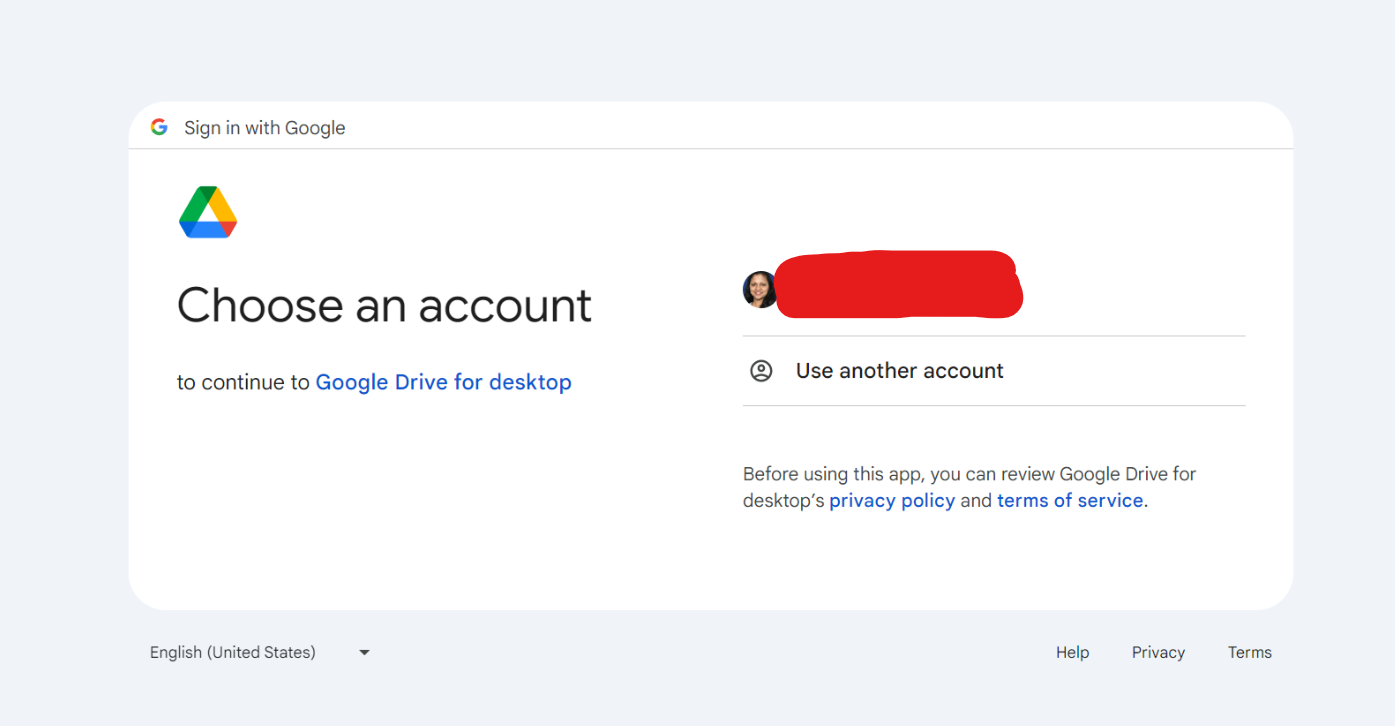
5) O drive/ Offline drive will configure successfully.

Kindly refer video on how to connect\reconnect your Google drive (O Drive).