
SUMMARY
You can edit your profile in Colab portal.
DETAILS
1) The easiest way to do this - Click on the Profile icon - on the top right on CoLab.

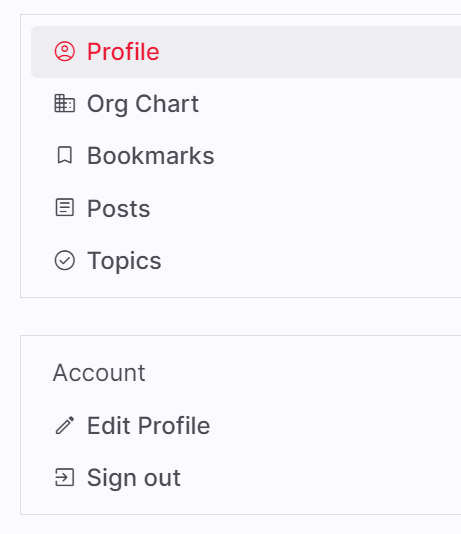
2) On the left hand side - Click on Edit Profile.
3) This will bring up the below page and you can edit the mentioned details only.

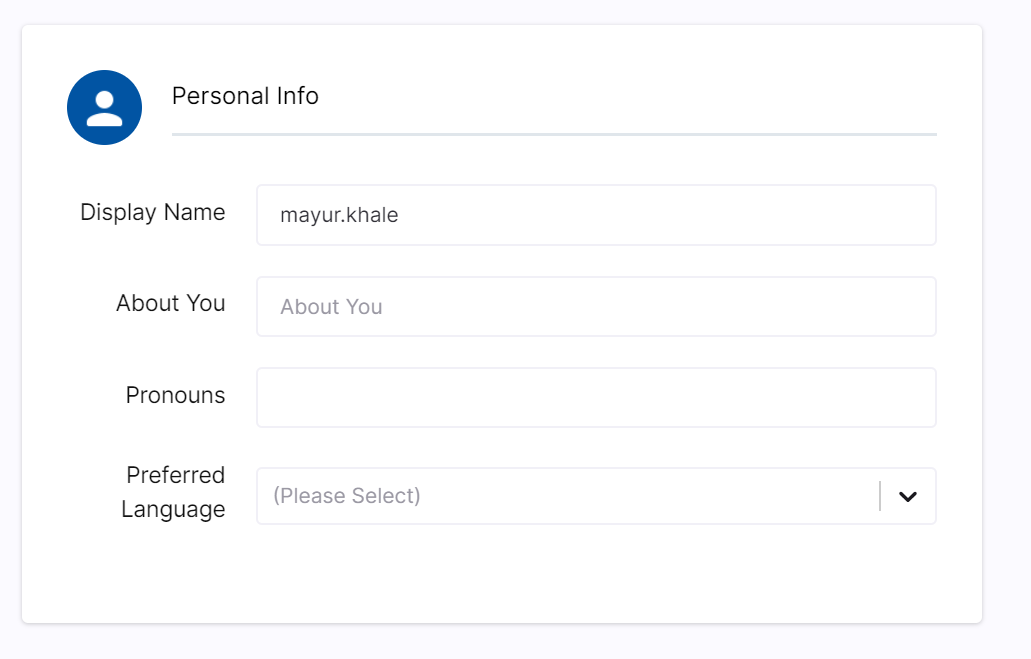
4) When done editing users can click on “Save” button and information will be saved.
The following fields cannot be user updated and are generated form HR automatically and may take 48 hours to reflect.
Title
Function
Department
Work Address
Manager
Work Phone
VoIP