SUMMARY
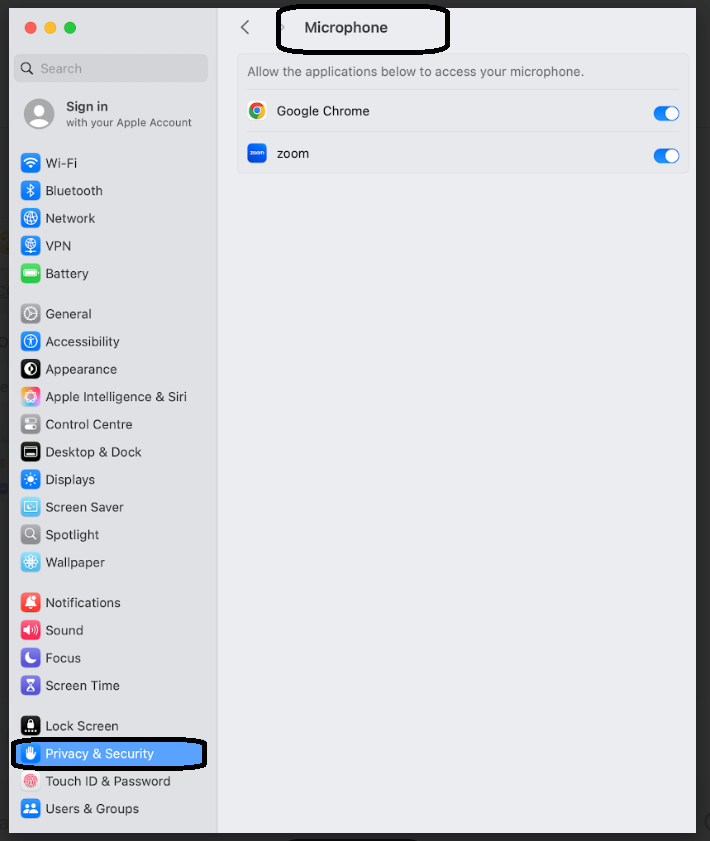
If you are facing issue when trying to share your screen via google chrome, zoom or jabber, kindly follow the steps mentioned below.
DETAILS
- Go to System Preferences-> Security & Privacy -> Privacy
- On Side, look for Microphone, Camera, Screen Recording options and verify if Google Chrome is selected.
- Verify same setting for Zoom, Jabber incase screen sharing issue with this application.