SUMMARY
Blur background feature is currently available to all users.
DETAILS
As of now this feature is rolled out for everyone.
If you want to enable this feature, follow the below steps :
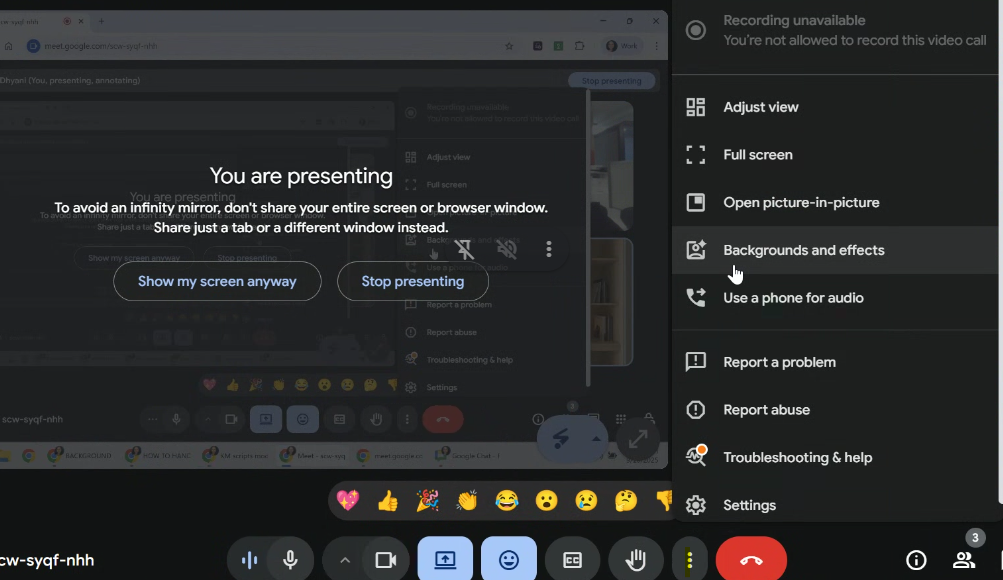
1. Join the meeting,
2. Click on 3 vertical dots
3. Click on option "Background and effects"
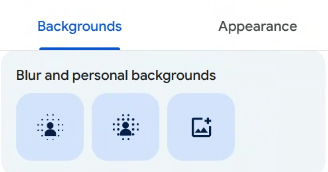
4. You will see Blur background options.