SUMMARY
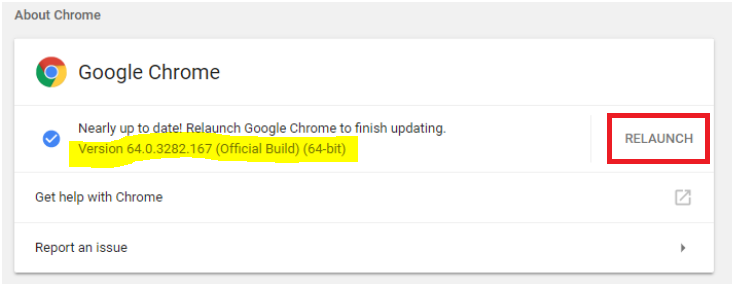
Use this to either check for the current version of Chrome on your laptop or update Chrome to the latest version.
DETAILS
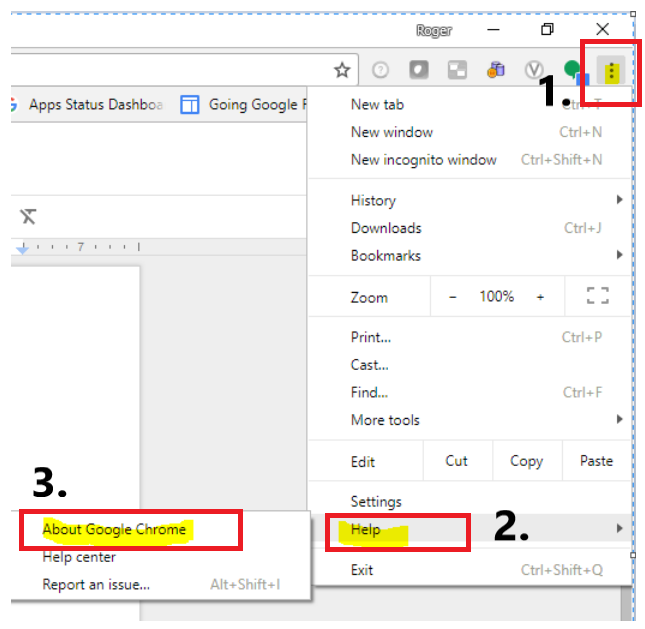
1. Click the three vertical dots in the upper right-hand corner of Chrome,
2. Click on Help
3. Click on About Google Chrome.
4. The About screen will appear which contains the current version of Chrome.
5. To restart Chrome using the latest version > Close and reopen Chrome manually or simply click the Relaunch button.