
HOW TO FIND OUT WHICH SAP SYSTEM IS USED WITH SAP LOGON
SUMMARY
You can find out to which SAP system you are logging or logged in using the SAP Logon client.
DETAILS
You can see the system name in the lower right corner of the SAP client.
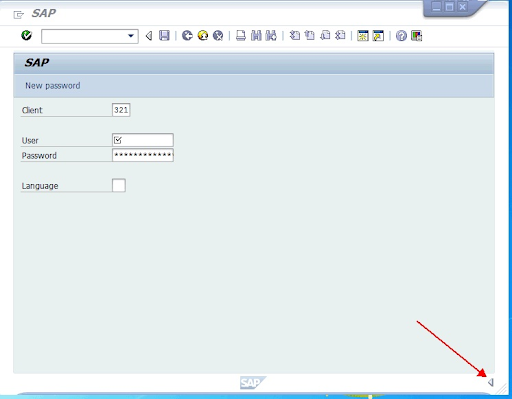
Using the SAP Logon client, you can see the name of the SAP system in the lower right corner of the logged in screen.
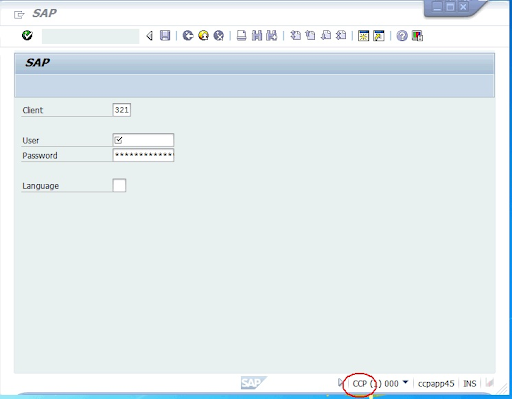
If you can not see the text, please click on the arrow in the same corner of the screen and it will expand to display the system name.