
SUMMARY
Join a video meeting from a Google Calendar event.
DETAILS
All of Meet’s buttons are now at the bottom of the screen. This includes in-meeting chat, attachments, and the participant list, which will appear in the lower-right corner. The “End Call” button has been separated from the camera and microphone toggles, helping to prevent accidental hang-ups.
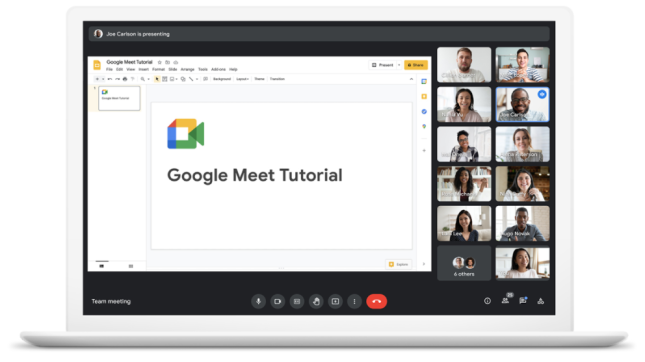
Hide or resize your own video feed.
You can now hide, move, or resize your video feed from the call.
Smarter tile pinning and multi-pinning.

Below are the steps to join your scheduled meetings via Calendar
- In Google Calendar, click the event you want to join.
- Click Join with Google Meet.
- In the window that opens, click Join Now.
- Once you have joined the meeting you can enable Google "Tiled View" which can now shows up to 49 attendees and is available globally, kindly refer following document for the same.
Attendance tracking requests, kindly refer document.
For more details kindly check reference Video