The 2 most common issues with logging into the customer care portal are:
- Your account has not been registered into the customer care portal yet.
- The information you entered does not match the information that we have in our system for your account. For instance, if the name we have in our system is Thomas Anderson Jr., but you only entered "Anderson" as your last name, you will receive an error message.
To create an account, please visit https://my.usmed.com/Account/Register and complete the registration form.
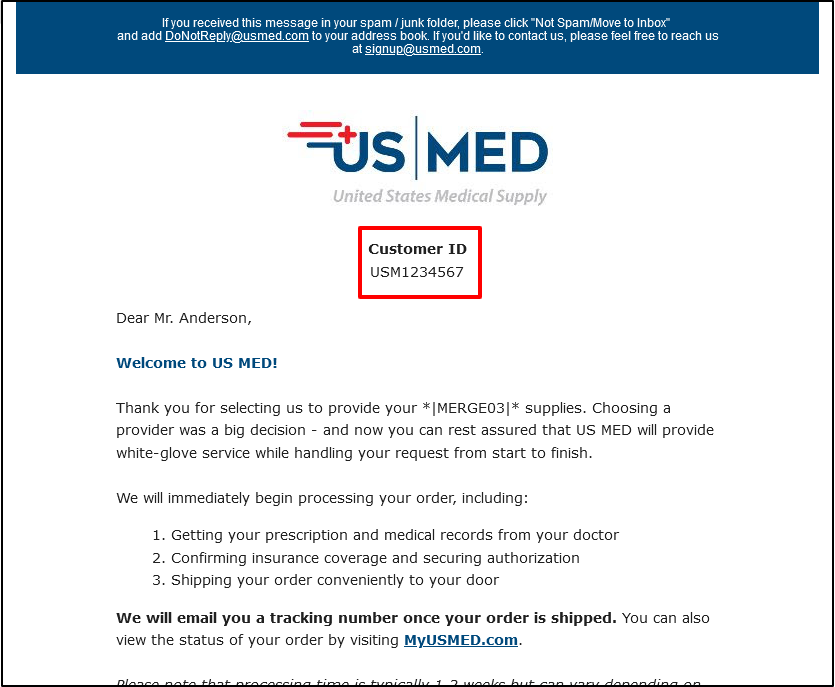
NOTE: You will need your Customer ID number to complete the registration. Your Customer ID number can be found in the Welcome email you received when you signed up with US MED. (See Screenshot below)
Visit the Help With Logging In page for further tips on logging into the MyUSMED Portal.