
SUMMARY
Below are the troubleshooting steps if the specific error of Access Denied is appearing when accessing an application from your mobile device.
DETAILS
This document gives some troubleshooting steps if the following error, that you are "restricted from accessing this application due to some reasons", is appearing when accessing an application from your Mobile device:
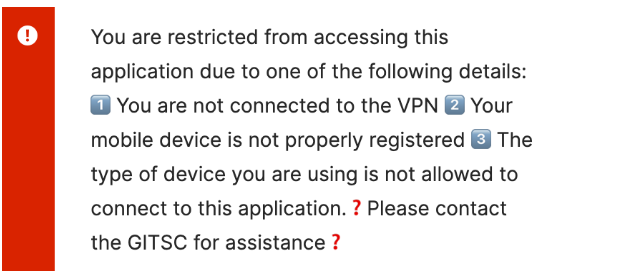
Error text:
You are restricted from accessing this application due to one of the following details: 1️⃣ You are not connected to the VPN 2️⃣ Your mobile device is not properly registered
3️⃣ The type of device you are using is not allowed to connect to this application❓ Please contact the IT Helpdesk for assistance❓
Troubleshooting steps:
A. For Android Devices
For many Android users, when your device was originally enrolled, a step in the process was missed. Please navigate to the following guide, and complete the steps on Slides 15 or 16-17: Android Enrollment into WS1
If you had previously completed these steps, and you are still receiving the above error, you will need to complete the steps again.
Even after repeating the steps, you are facing the issue, you can try the below actions : Follow this Okta Verify - Android Device Trust
B. For IOS Devices
Follow this Okta Verify - IOS Device Trust