
SUMMARY
Colgate Employees can use Business Partner (BP) Portal as follows:
1. Create a new users (Business Partner)
2. Search for and update existing users (Business Partner)
3. Manage Business Partner (Access, Okta Password, Multi Factor Authentication)
4. Extension of BP user
5. Deactivate the current Business Partner
DETAILS
Colgate Users can access Business Partner (BP) Portal by going to sso.colpal.com and opening the Business Partner Portal tile from okta dashboard.
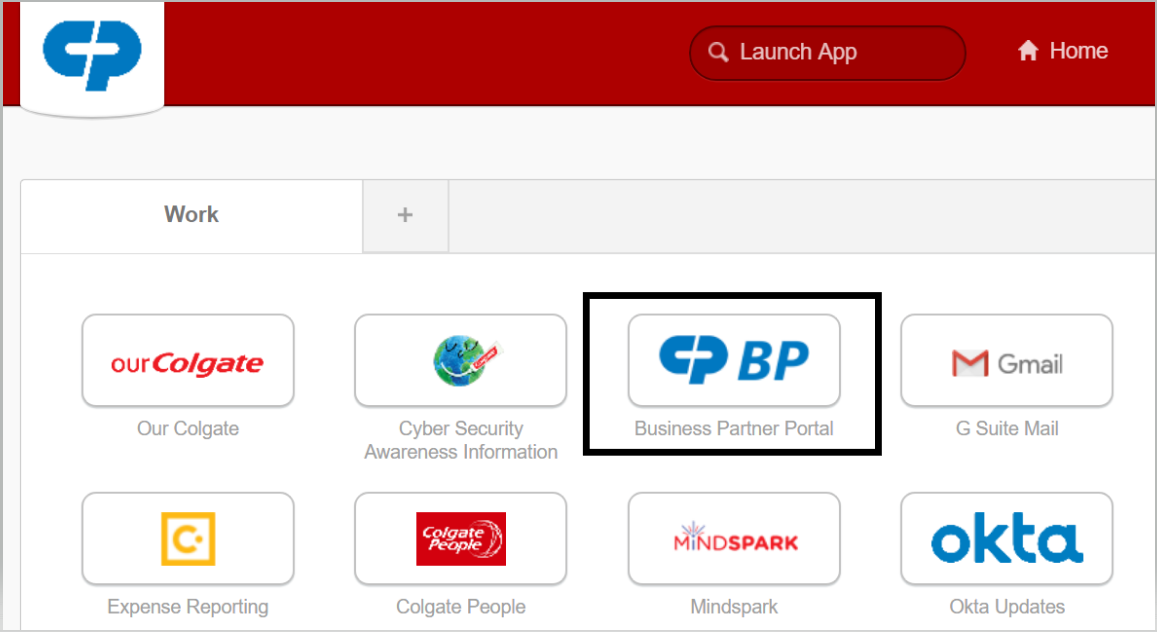
For detailed documentation on New/Existing Business Partner Portal Click Here
For detailed documentation on New Business Partner Portal for GIT users Only, Click Here
Please refer the detailed video on How to create new Business Partner in the BP portal
Please refer the detailed video on How to search or update